With the update of iOS 15 and the recently released iPhone 13, Apple has proved that it hasn’t stopped revolutionizing the smartphone experience. The iPhone makes it easy to pay bills, work remotely, unlock your front door, and even start your car, and now, with these updated features, it can make the home-buying process smoother too. These upgrades are sure to make market searches, house tours, and meetings with your real estate agent easier than ever.
Updated camera and video features
Not everyone has the benefit of a photographic memory — often we have to take actual photographs to remember what we see. Taking accurate pictures of houses you’re serious about is the key to a successful house search, allowing you to reference them later when weighing your options or share them with someone who was unable to make the tour. While most sellers will have photos of their own, they might not have photos available of particular features that you’ll want to refer back to.
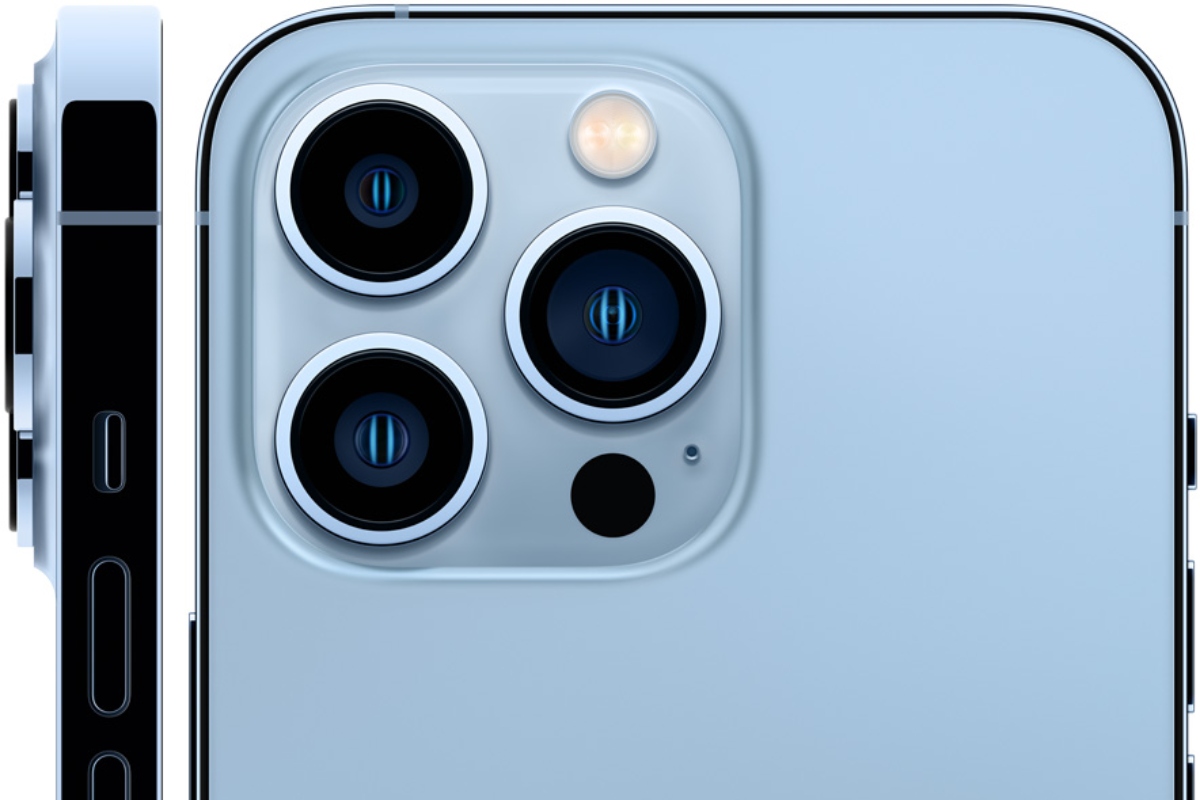
Along with the launch of the iPhone 13, Apple also introduced its Ultra-Wide angle lens that allows users to capture better photos in low-light environments. This is a helpful tool during the house search since some spaces like basements and bathrooms can be too dim to capture well with a regular smartphone camera. In the past, low-light images tended to come out grainy and with minimal detail, but now, home-buyers can capture a crisp, clear image of any room, regardless of the amount of light available.
Further, the new iPhone 13 comes with optical image stabilization (OIS) which keeps images and video from looking shaky or blurred. For panoramas or video tours especially, this feature ensures your shaky hands don’t result in a less-than-glamorous depiction of the space.
The new Focus mode
When you decide to buy or rent a new place, your daily to-do list can multiply. Beyond finding the perfect spot, you may also have to contact your bank, request credit checks, provide proof of employment, and complete a handful of other administrative tasks. The Focus feature (available with the iOS 15 update) allows users to prioritize which notifications they receive and when. For potential home-buyers searching for their dream space, this means you can maintain your focus on the task at hand and not be distracted by a barrage of notifications. Whether you’re scrolling on Zillow or walking around a property, you can make sure your phone only bothers you with the important stuff.
The downside to ignoring your notifications for a while is that those trying to contact you may text again and again until you respond. Apple thought of this too and equipped Focus with a feature that shares your status with others to inform them that you won’t be responsive for a short period of time. Now, you can have the peace of mind to search for your next home without worrying about crafting hasty “I can’t talk right now” messages.
Extended battery life
The new A15 Bionic chip in the iPhone 13 extends battery life and enhances charging speed — the iPhone 13 battery now lasts two and a half hours longer than the iPhone 12’s. Additionally, the iPhone 13 charges faster, reaching 50 percent in only 30 minutes. For interested home-buyers on the go, this is a lifesaver. Longer battery life means that you can tackle a day of house tours, real estate meetings, and long drives without worrying about finding a free outlet to charge your phone.
FaceTime has transformed
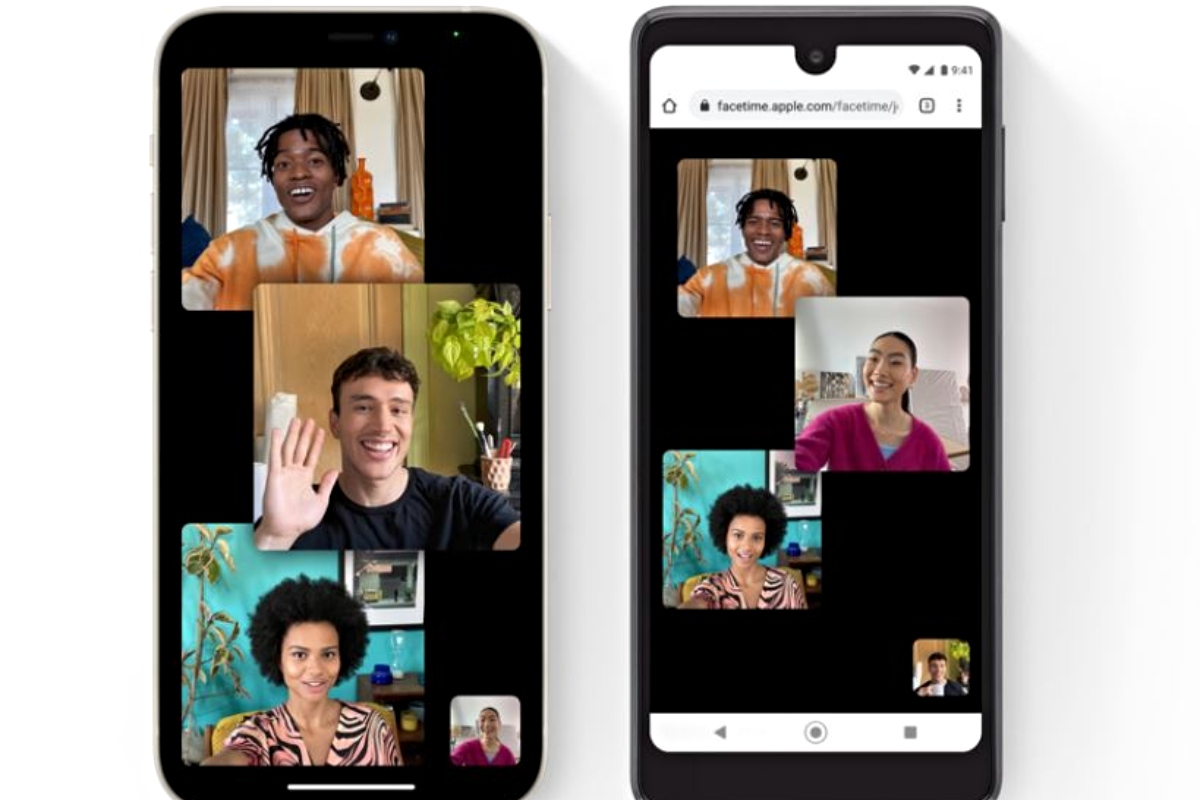
With pandemic precautions still in place and real estate agents managing busy schedules, meetings face-to-face aren’t always possible. Thankfully, a few upgrades to FaceTime have made virtual meetings crisp, clear, and even enjoyable.
First, the upgraded spatial audio capabilities make your voice sound like it’s coming from your position on-screen so the virtual experience is more realistic. Basically, if you shift to the left side of the screen, so will your voice, creating an almost 3D experience. Additionally, voice isolation technology eliminates background noise so you can focus on the meeting at hand, not the dogs barking in the background. Like in Zoom meetings, you can also enable Portrait Mode to blur your background, eradicating any potential distractions there as well.
While it’s super easy to start a FaceTime call from an iMessage group chat, not everyone has an iPhone, and others may prefer Windows to hold meetings. Now, you can include non-iPhone users with the new link sharing feature. Simply share an invite link with all participants and they can attend the meeting from their browser.
Buying a home is often a tedious process, and it can be easy to become distracted by other tasks or frustrated with low-quality pictures and videos. Luckily, with the iPhone 13 and iOS 15, these concerns can be a thing of the past. Next time you find yourself about to start the home-buying process, be sure to take advantage of these iPhone features to make your search easy and (relatively) stress-free.