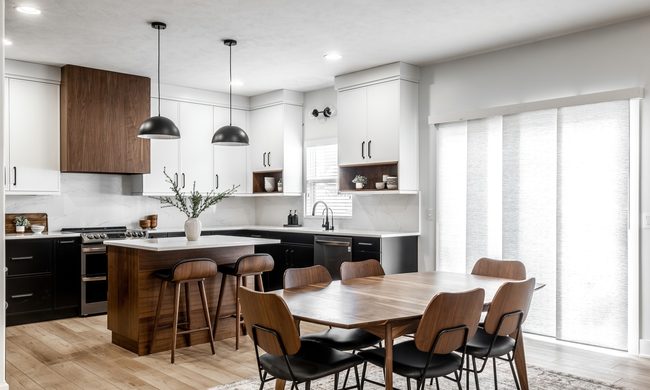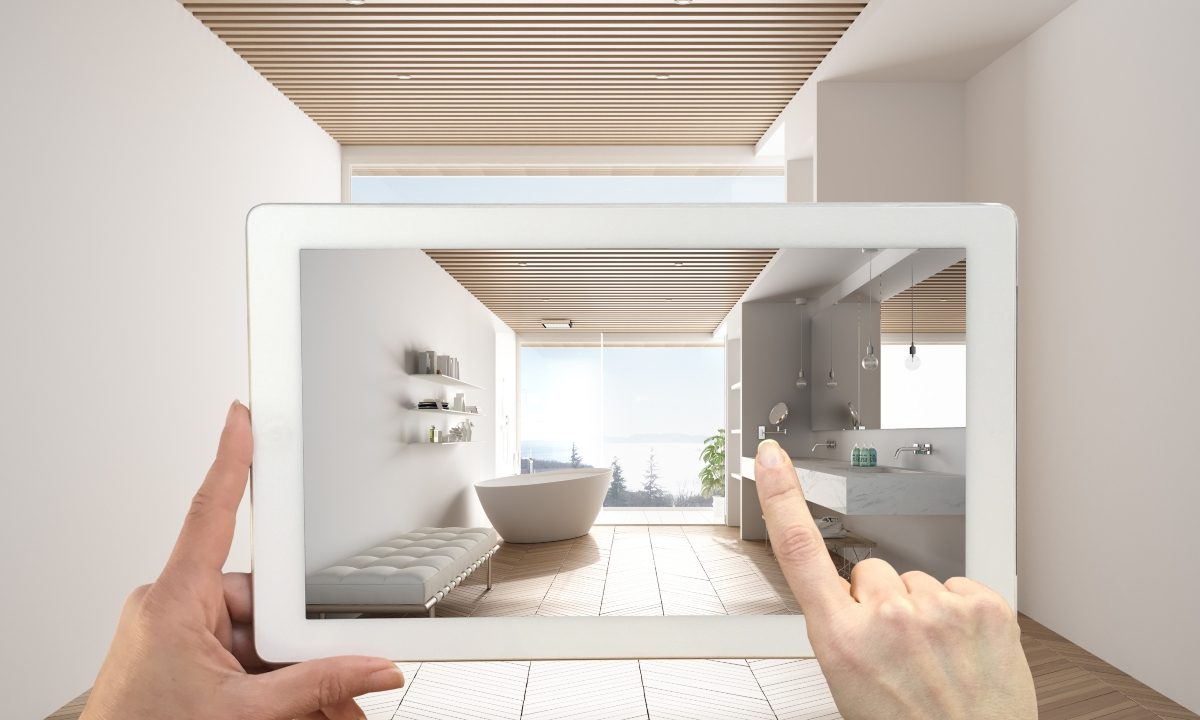
Sometimes we just need a change. Whether this means rearranging existing furniture or purchasing a brand new sectional, redecorating the home is a quick and easy way to give yourself a change of scenery. Now, you don’t even have to push couches back and forth to determine their best placement or purchase a table without knowing for sure how it will fit with the rest of your decor.
Advancements in technology have revolutionized the way we go about interior design. AR technology has paved a new path for many designers and homeowners, allowing them to superimpose furniture right in their living room. If you’re a pioneer in the home design space or simply love using tech to style the space of your dreams, take a look at these AR furniture apps that will make the next remodel smooth and easy.
IKEA Place

For many, it’s no surprise that this retail giant is at the forefront of technology-guided home design. IKEA is known for its plethora of affordable furniture, and with the power of AR, you can now visualize these pieces in your home without visiting the showroom. The IKEA Place app is available on both iOS and Android and features a wide variety of the company’s furniture.
This AR furniture app boasts a 98% accuracy rate when it comes to the scale of its items, so when you place the item in your space via AR, the dimensions and sizes will be reflective of the actual product upon purchase and assembly.
Houzz
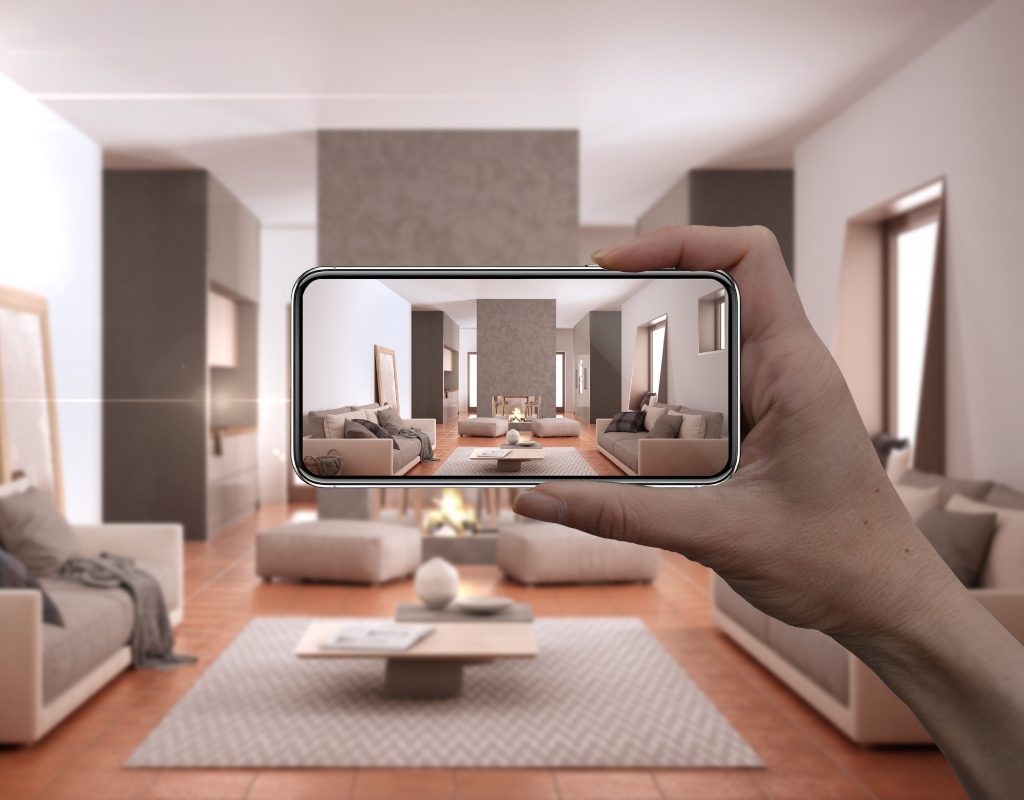
Houzz is an online home decor, interior design, landscaping, and architectural company that offers several programs and services for homeowners and home designers. One of the most notable online and in-app features is the curated room setups, displaying model spaces and tagging each product so you can find and purchase them with ease.
Houzz recently included AR and 3D placement technology in the iOS app, allowing users to set up products within their own homes as well. Unlike the Ikea app, this one includes pieces from hundreds of designers so you have a wider variety of options. Simply tap the item you want to view, lift your phone’s camera, and see what the piece can look like in your room.
Homestyler
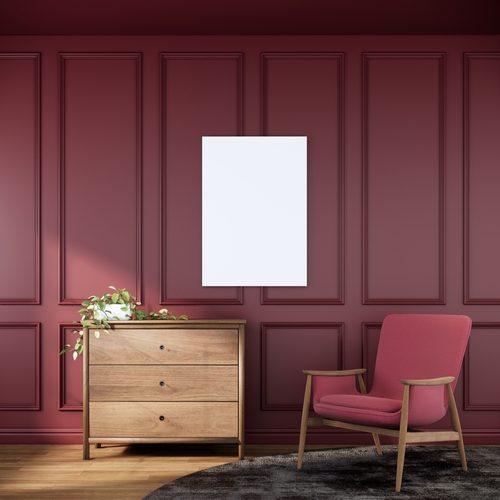
Homestyler is the go-to tool for professional designers, but homeowners and amateur interior designers can also find great uses for this app. Homestyler takes AR-powered design a step further — here, users can snap a photo of their current room and render it into a 3D format.
Then, with a few simple taps, they can select products to add to the room. Within the app, you can move objects around, shift layouts, and easily swap out pieces. For people looking to do a full remodel, this is a fantastic solution that allows you to see the entire room at once.
roOmy
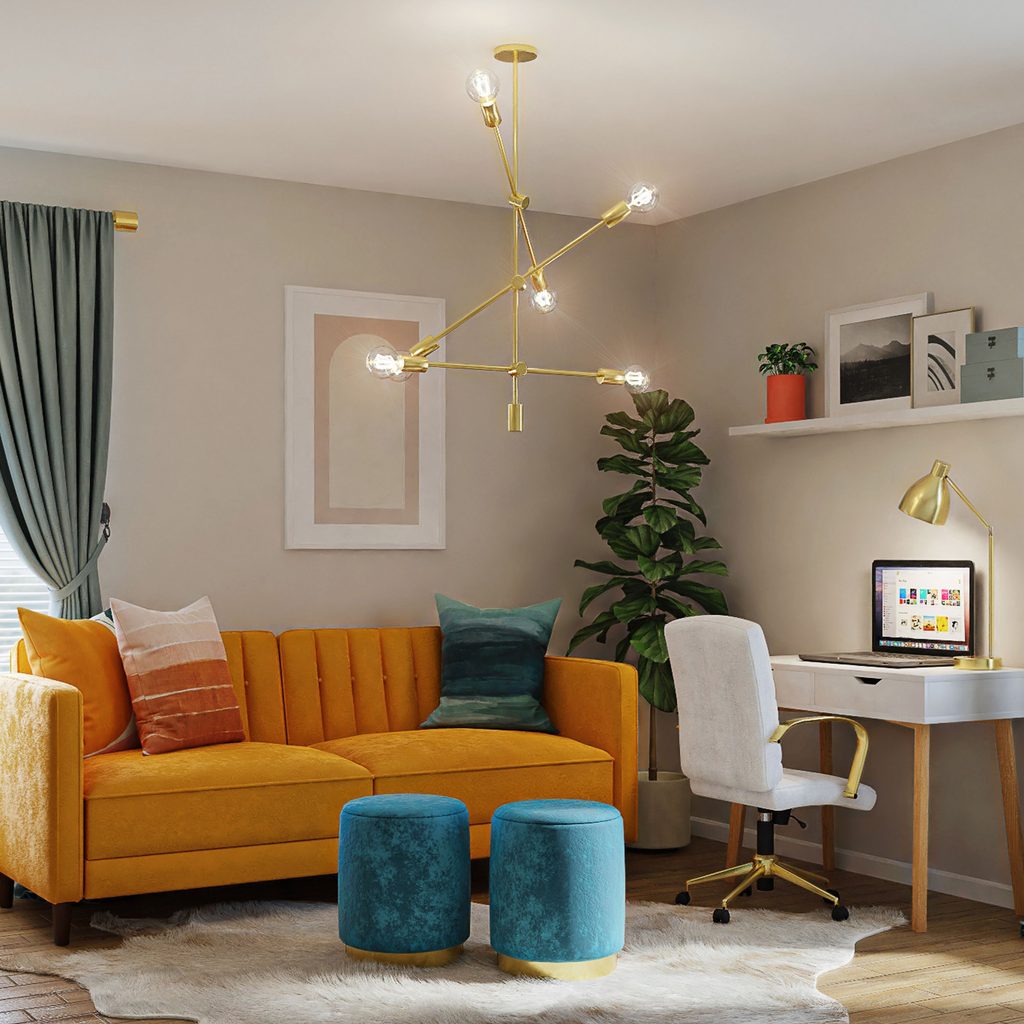
One of Homestyler’s biggest competitors is roOmy. While it doesn’t have all of the bells and whistles of the former, roOmy certainly brings new life to interior design via AR technology. It’s a great tool for smaller-scale projects where you’re just looking to arrange a few pieces.
You can snap a photo, upload measurements of any room, and begin decorating the 3D layout. Additionally, roOmy provides inspiration to its users in the form of a carefully curated photo gallery of various rooms in a wide range of styles.
DecorMatters
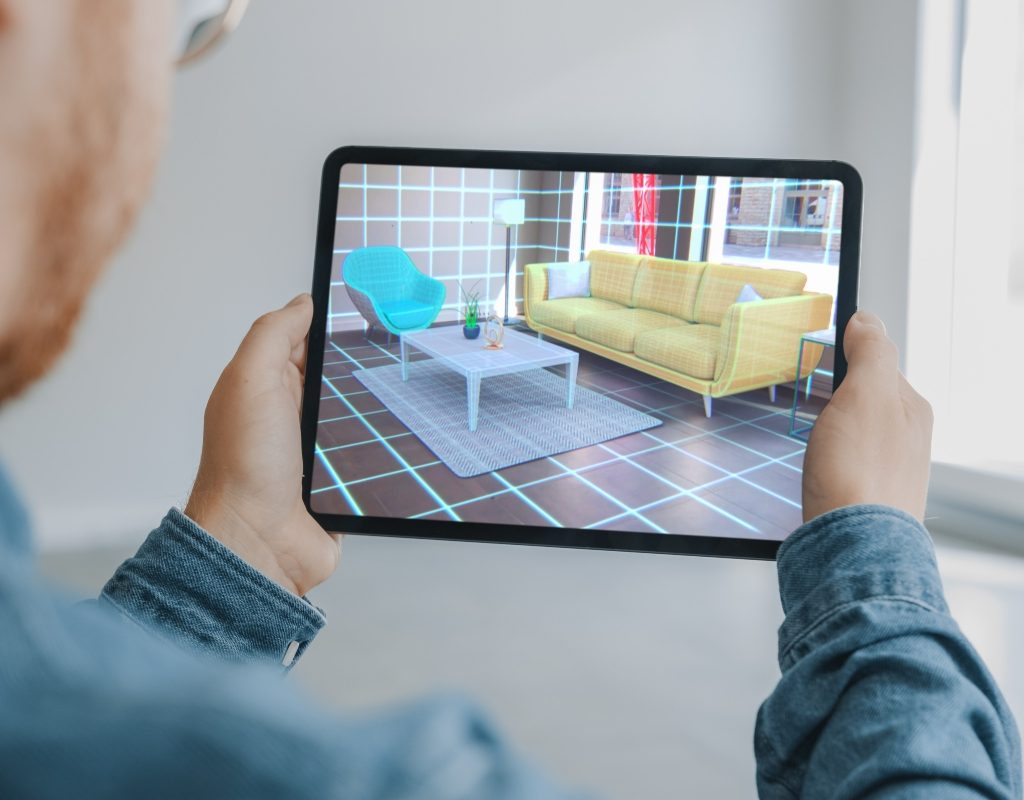
DecorMatters takes a gamified approach to interior design. This free app provides select images of empty rooms and allows you to place furniture in the 3D space to create stunning designs. To incorporate a photo of your own space, upload images of your current furniture into the app, then sit back and watch as it generates a 3D model of the space.
This app is focused more on general design rather than true-to-scale furniture placement. However, if you’re still throwing around decor ideas and need an outlet to test out color patterns, furniture, and other decorative pieces, this app exceeds expectations.
Planner 5D

Planner 5D is a visionary app powered by AI technology. With its user-friendly interface, homeowners can create 2D and 3D floor plans, room renderings, and professional-looking layouts for any interior design needs. Planner 5D has several in-app capabilities that allow homeowners to create a fully furnished room based on their existing space, with measurements and sizing taken into account to create a design that will translate well into the real world.
Features like Scan Room allow homeowners to use their phones to create accurate floor plans, while features like Smart Wizard provide decor inspiration for those who are indecisive or stuck in a design slump. This is a great app for those who want a user-friendly interface without missing any details when creating their designs.
Amazon AR View
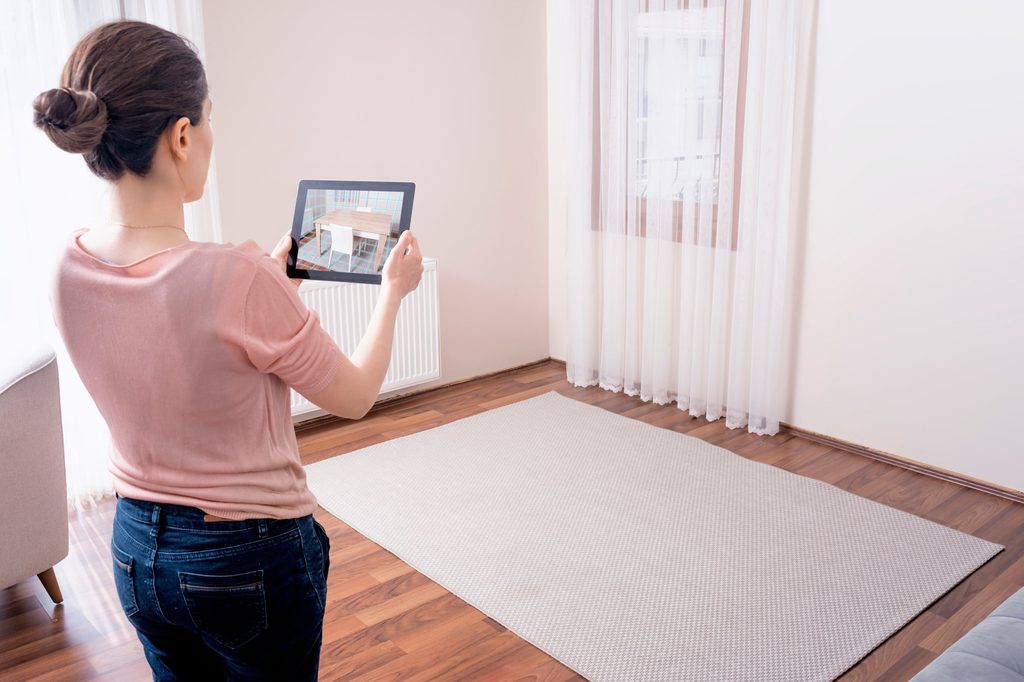
While the Amazon app is well known by many homeowners as being a convenient place to shop, it also boasts a decent AR feature for some furniture products. For those who like their tried-and-true apps or can’t afford to upgrade to an entire AR room scan, Amazon’s AR “view in room” option can be a handy tool in your design kit.
If you’re purchasing items from Amazon for your home, some large furniture pieces like bed frames, sofas, dressers, rugs, and tables can be projected in your room via AR. Just tap the “view in room” option on the product listing if it’s available and follow the instructions on the screen. You’ll scan your room and then tap to place the item. You can also move or rotate the item once it’s placed in the AR.
While Amazon is more than an AR furniture app, this function can come in handy for many shoppers. Additionally, it’s decent for what it is and can show you how a specific product will look in your existing space.
AR interior design apps will save you tons of time and energy during your next remodel. Instead of lifting, rotating, and moving heavy sectionals around the room, you can experiment with your design all from your smartphone. This also means you don’t have to purchase a product in order to know what it will look like in your space, so you save money there, too. Before you roll up your sleeves to arrange and reassemble your room, give these AR apps a try and walk into your renovation with an air-tight plan.